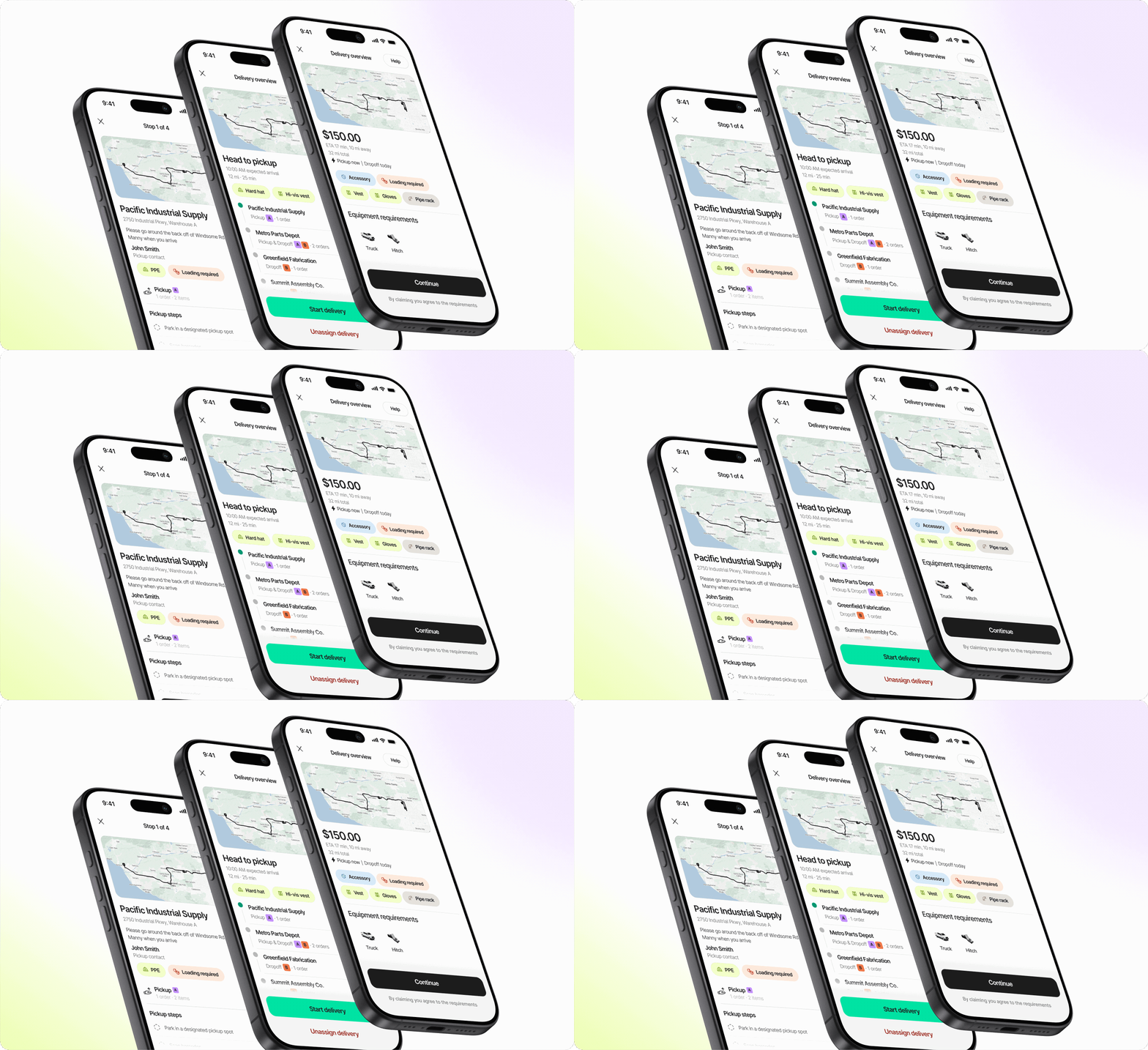
4 new Curri features that speed up deliveries for distributors


In Q2 2026, Curri introduced four new features designed to help construction and industrial distributors book same-day deliveries faster, reduce manual entry, and maintain consistent delivery standards across every branch.
Curri is delivery management software that gives construction and industrial distributors same-day hotshot deliveries, LTL freight, dedicated routes, and route planning in one platform.
How Curri's Q2 2026 features help distributors
| Feature | How it helps your branch |
|---|---|
| Book by email or text | Send a request from your inbox or phone, no portal required |
| Photo BOL upload | Snap a photo of a paper BOL and Curri fills in the delivery details automatically |
| Smart vehicle matching | Upload a BOL and Curri recommends the right vehicle based on payload and driver availability |
| Automatic POD enforcement | Set your proof of delivery requirements once and Curri enforces them on every delivery |
These features are built for distribution branches with counter staff managing same-day deliveries, where speed and accuracy matter most.
1. Book by email or text: Your inbox and phone are now booking tools

Powered by Curri's Core Intelligence, the booking process now works entirely through email and text. The clock starts running the moment a promise is made to a customer. Staff can keep that promise from wherever they are, with no app and no portal.
Here's how it works:
- Send a request by email (quotes@curri.com) or text (1-805-977-8903) with the pickup address, destination, and what's being shipped
- Curri drafts and sends back a full quote with pricing
- Approve it and the delivery is booked. No app, no portal, no waiting.
Anyone on staff can book a delivery, no training required, no portal. Anyone on shift can send a request the same way they'd send any other message. All Curri Hotshots booked this way include real-time tracking and delivery confirmation.
Watch: See how booking by email or text works
2. Photo BOL upload: Skip the manual entry

A Bill of Lading (BOL) documents the key details of a shipment: addresses, item descriptions, weights, and handling notes. Most distribution branches still produce paper BOLs. Typing those details into a booking form manually takes time and introduces errors.
Curri reads the photo and pulls out the key details automatically:
- Pickup and delivery addresses
- Contact information
- Order and item details
Staff take a picture of the paper BOL from their phone, upload it at booking, and Curri fills in the delivery details. The paper process stays. The manual entry step goes.
3. Smart vehicle matching: The right truck, automatically

Sending the wrong vehicle to a job wastes time for the driver, the branch, and the customer. With smart vehicle matching, Curri recommends the appropriate vehicle at booking based on the payload in the uploaded BOL and which drivers with the right equipment are available nearby.
The recommendation takes into account:
- Payload weight and dimensions from the BOL
- Vehicle type required (cargo van, flatbed, stakebed, box truck, and more)
- Driver availability and proximity to the pickup location
Branch staff book the right vehicle the first time, without guessing.
4. Automatic POD enforcement: Set your standard once
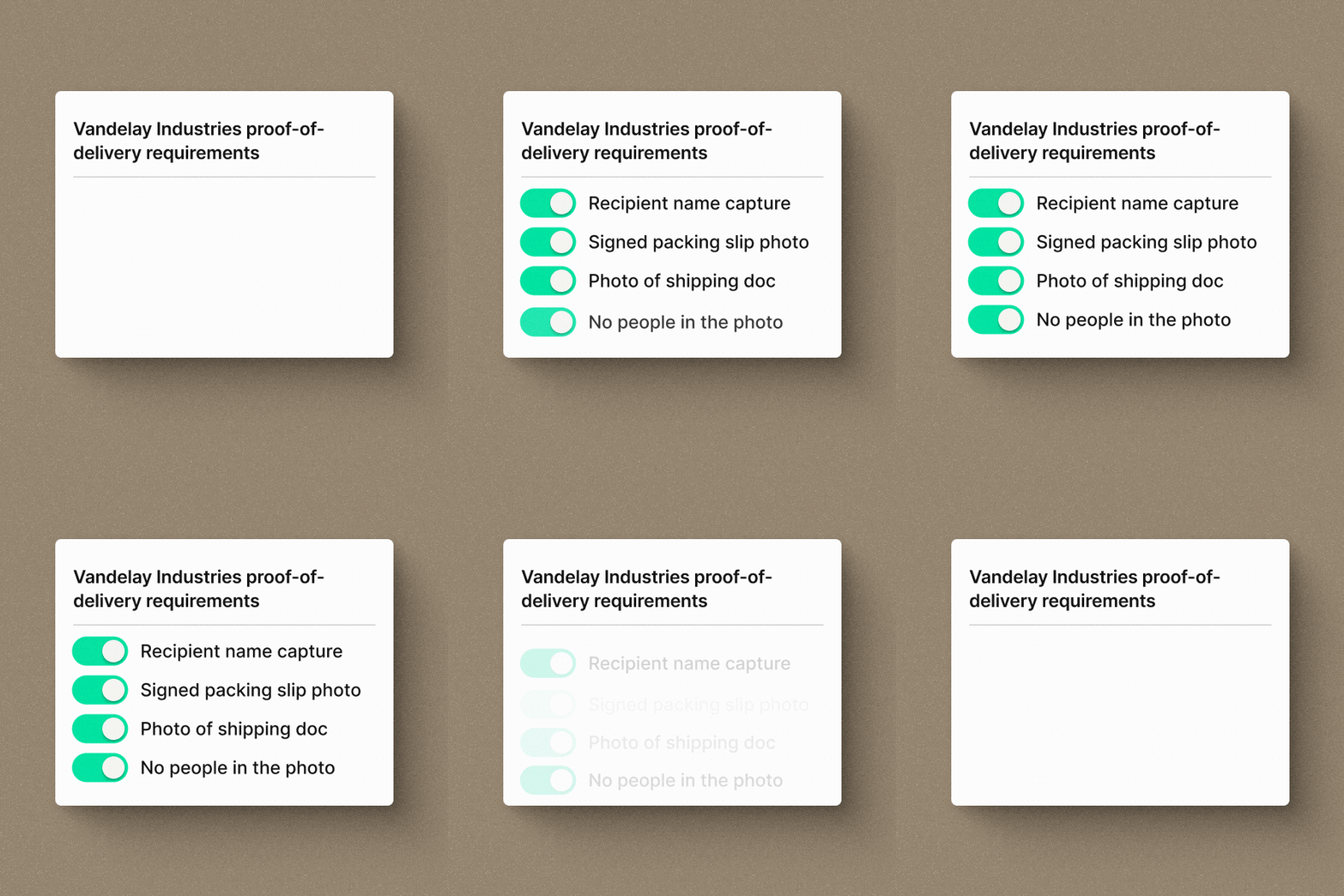
Proof of delivery (POD) is a timestamped record confirming a shipment reached its destination: a photo, a digital signature, or a signed packing slip. Requirements vary by customer, and managing them manually means reminding drivers and chasing documentation after the fact.
Set it up once and it runs on every delivery:
- Branch managers set POD requirements once in Curri
- Drivers are prompted to complete the required documentation before marking a job done
- Supported formats: photo, digital signature, signed packing slip, or any combination
- Requirements apply automatically to every subsequent delivery, with no reminders needed
For branches serving multiple customers with different standards, every delivery is documented to the right spec without anyone having to track it.
Together, these four features reduce the time from order to booked delivery, and remove the manual steps that slow branches down.
All four features are live now. Log in to your Curri account to use them or sign up to gain access.
See these features in action
Want to see how these fit into your branch workflow?